
- Home
- Higher Education
- CTeck Connected Campus
One connected platform for higher education
CTeck Connected Campus, by vBiz Systems, brings together modular higher education applications, AI agents and integration services. Start with the capabilities you need and build toward a coordinated campus environment. Admissions, enrollment, student records and messaging share a single record, so nobody retypes a student.
- Built with admissions and registrar teams
- Start with one module, add the rest
- AI agents, with your approval
Six modules on one record
Start with the module you need most. Each one adds to the same student record, so the next office picks up where the last one left off.
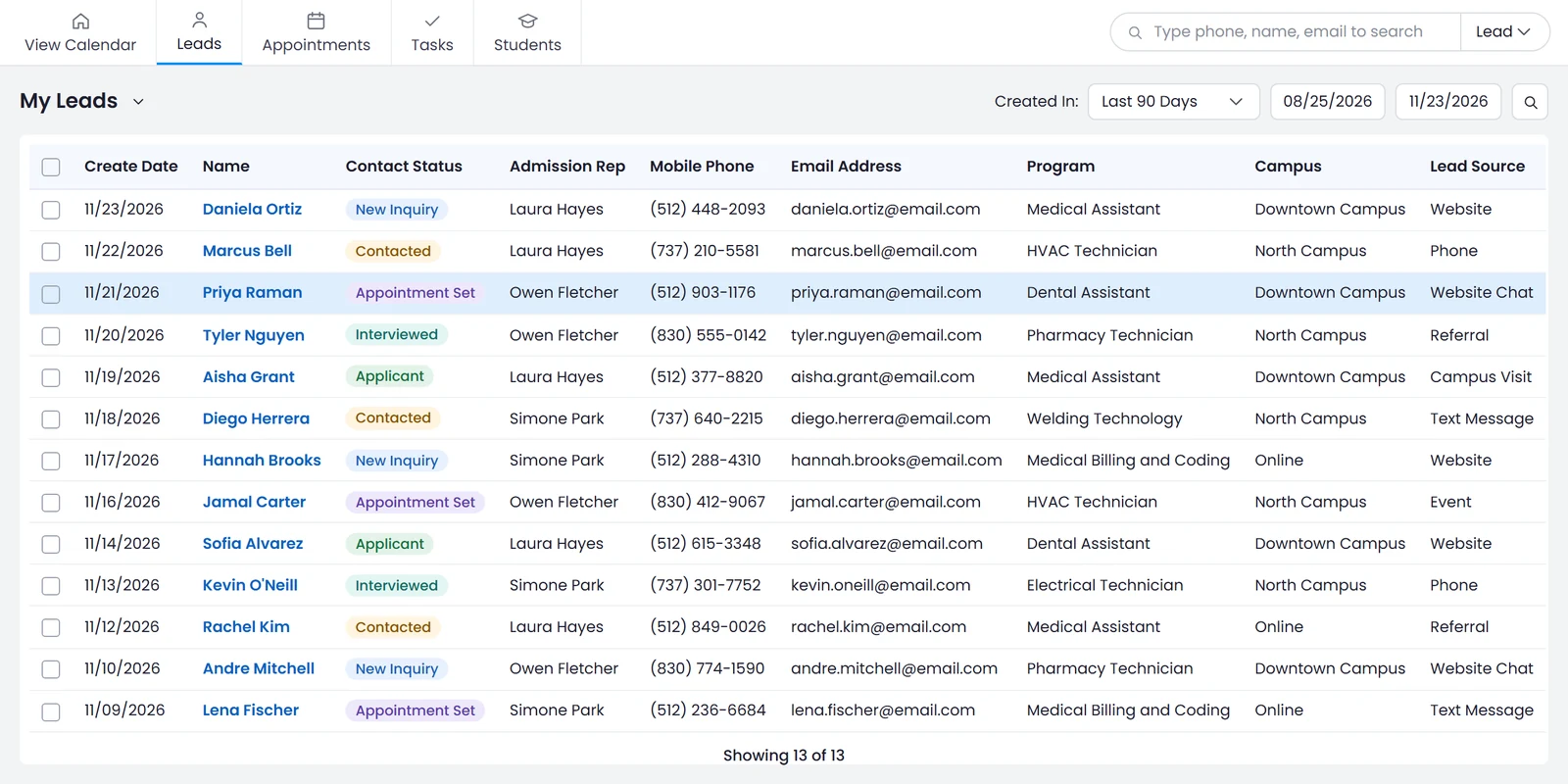
Every lead and every conversation in one place.
Leads from your website, vendors and walk-ins land on one list by admissions rep, with every call, text and email on the lead's timeline.
- Leads by rep and stage
- Calls, texts and emails on one timeline
- Follow-up tasks that don't slip
Applications that arrive complete.
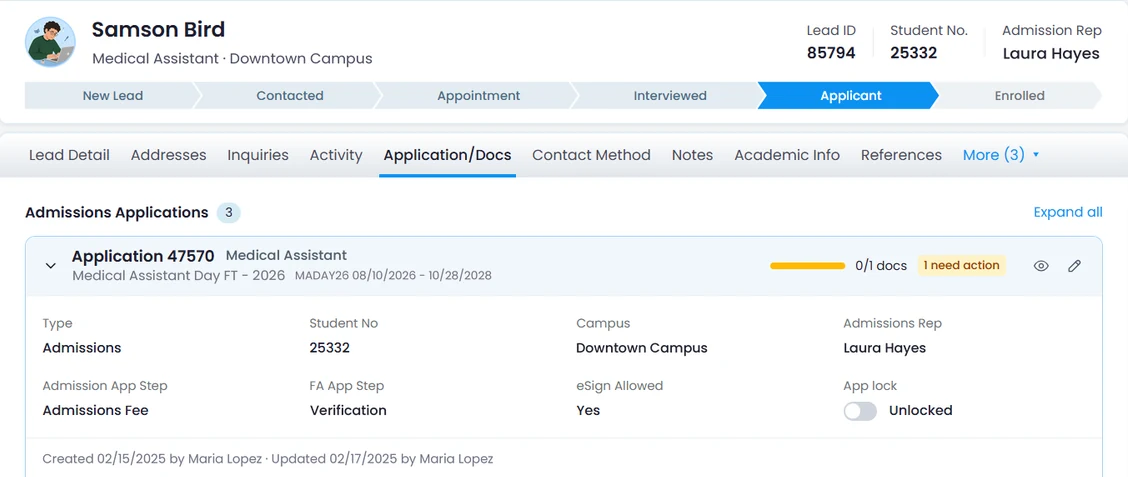
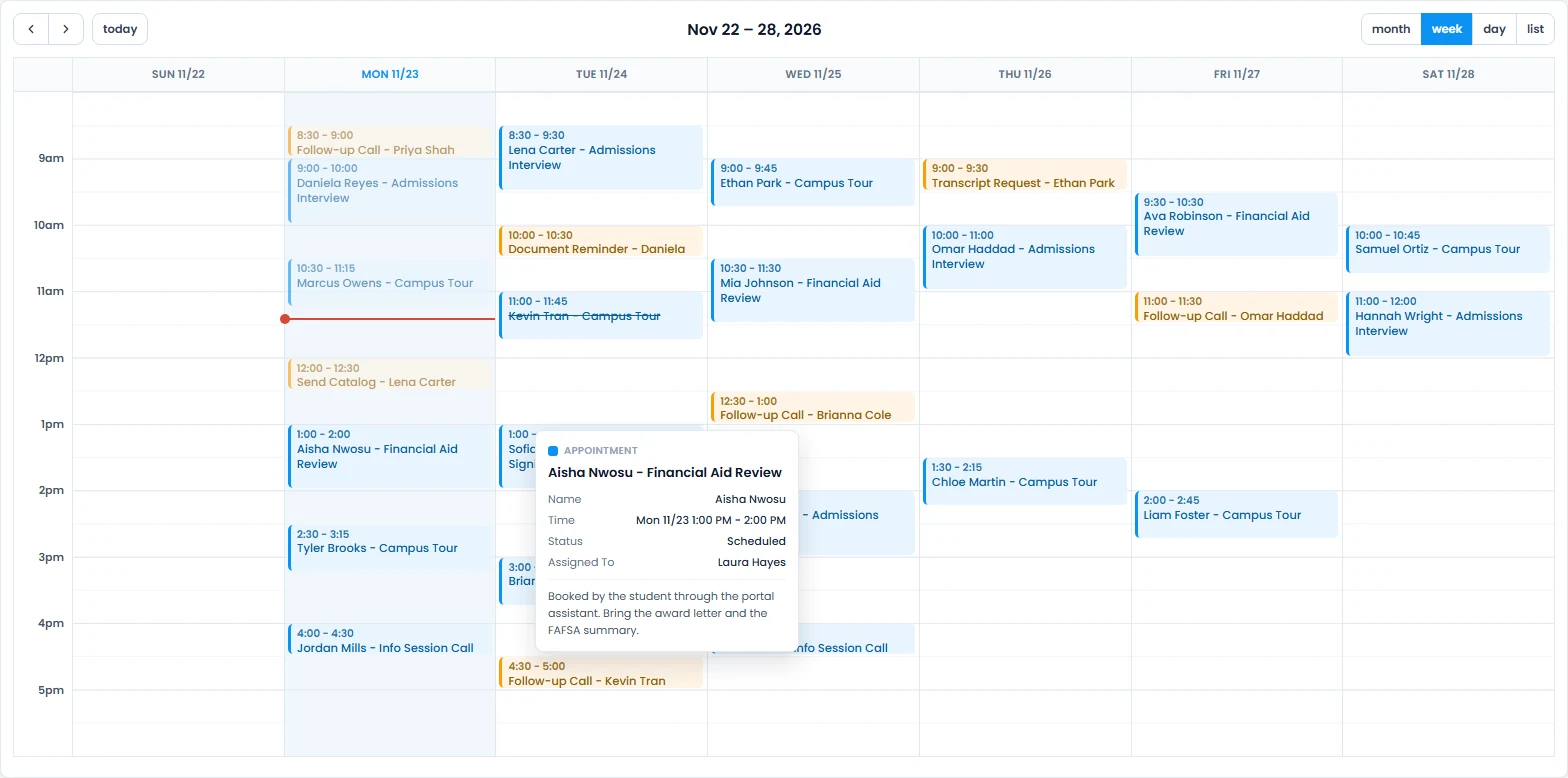
Applicants apply online, upload documents and sign their enrollment agreement. Your team sees what's missing on a checklist.
- Online applications
- Document checklists
- E-signatures
The student record, from first class to graduation.
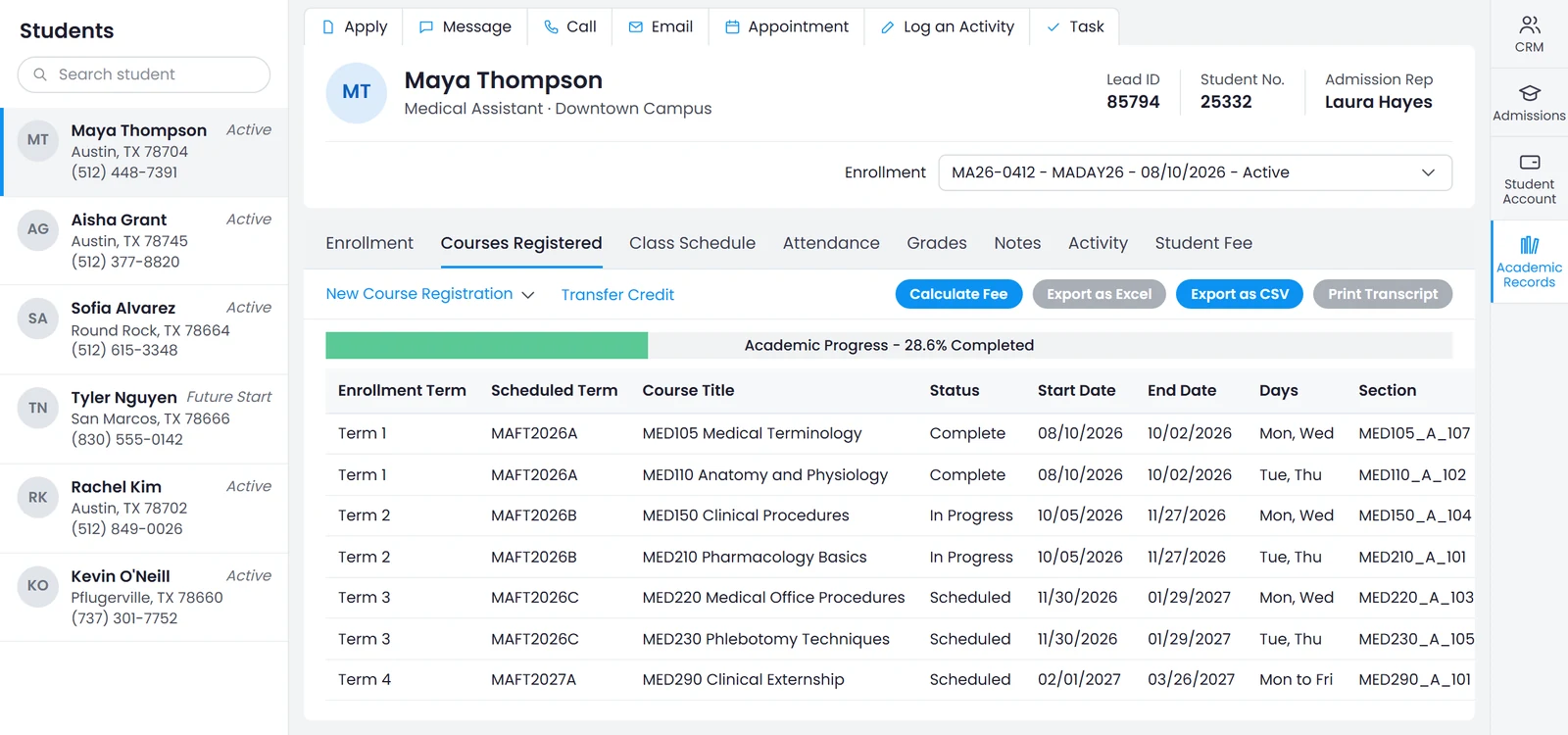
Programs, courses, class schedules, attendance, grades and the student ledger, for colleges with one campus or several.
- Class schedules and registration
- Attendance and grades
- Ledger and payment schedules
Two-way texting your reps can keep up with.
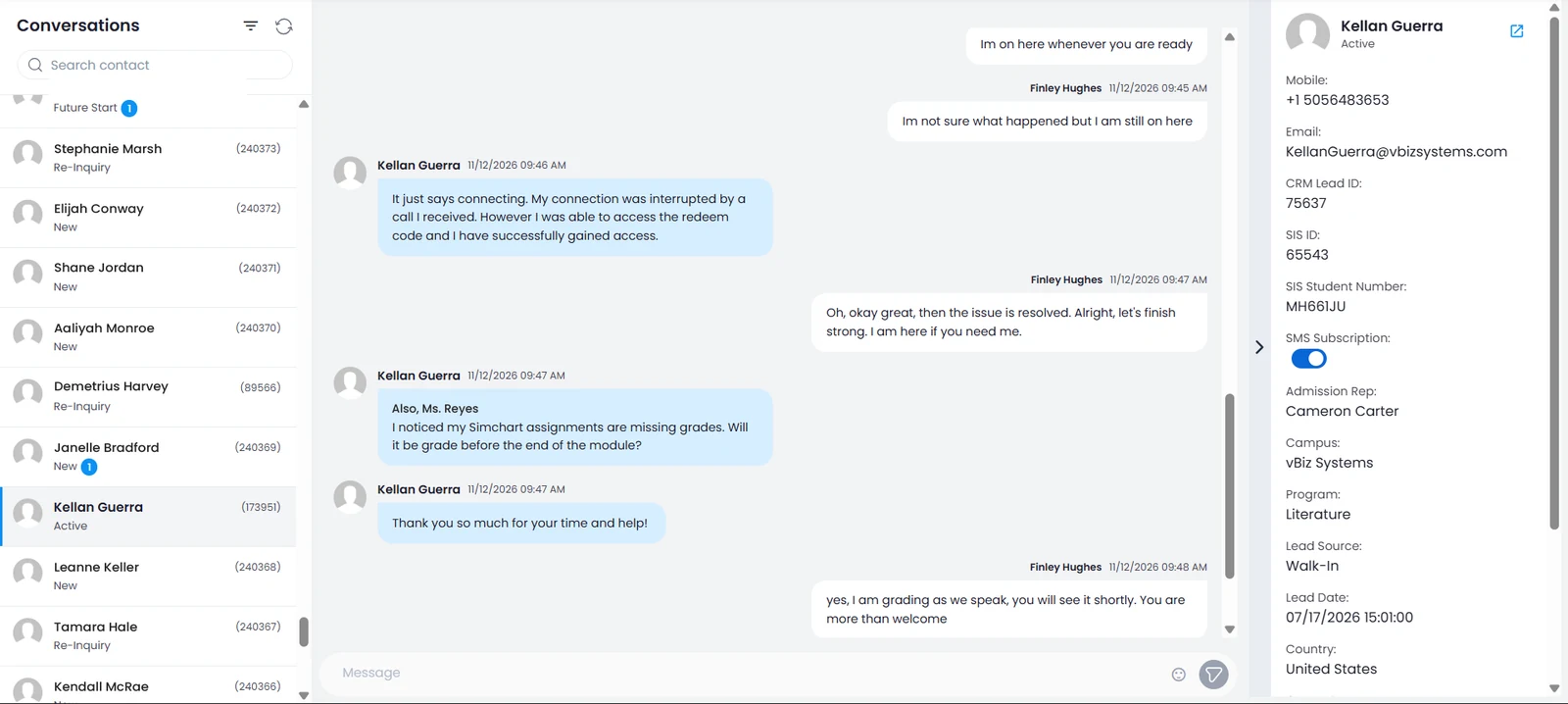
Texts and emails go out from CTeck Connected Campus and replies come back to the right rep, with response times tracked for every conversation.
- Two-way texting
- Response times by rep
- Consent and quiet hours checked
Your forms, filled in from the student record.
Build your enrollment agreements and forms once. CTeck Connected Campus fills in the student's details, sends them for signature and keeps the signed copy on the record.
- Templates with fields filled in
- E-signatures
- Signed copies on the record
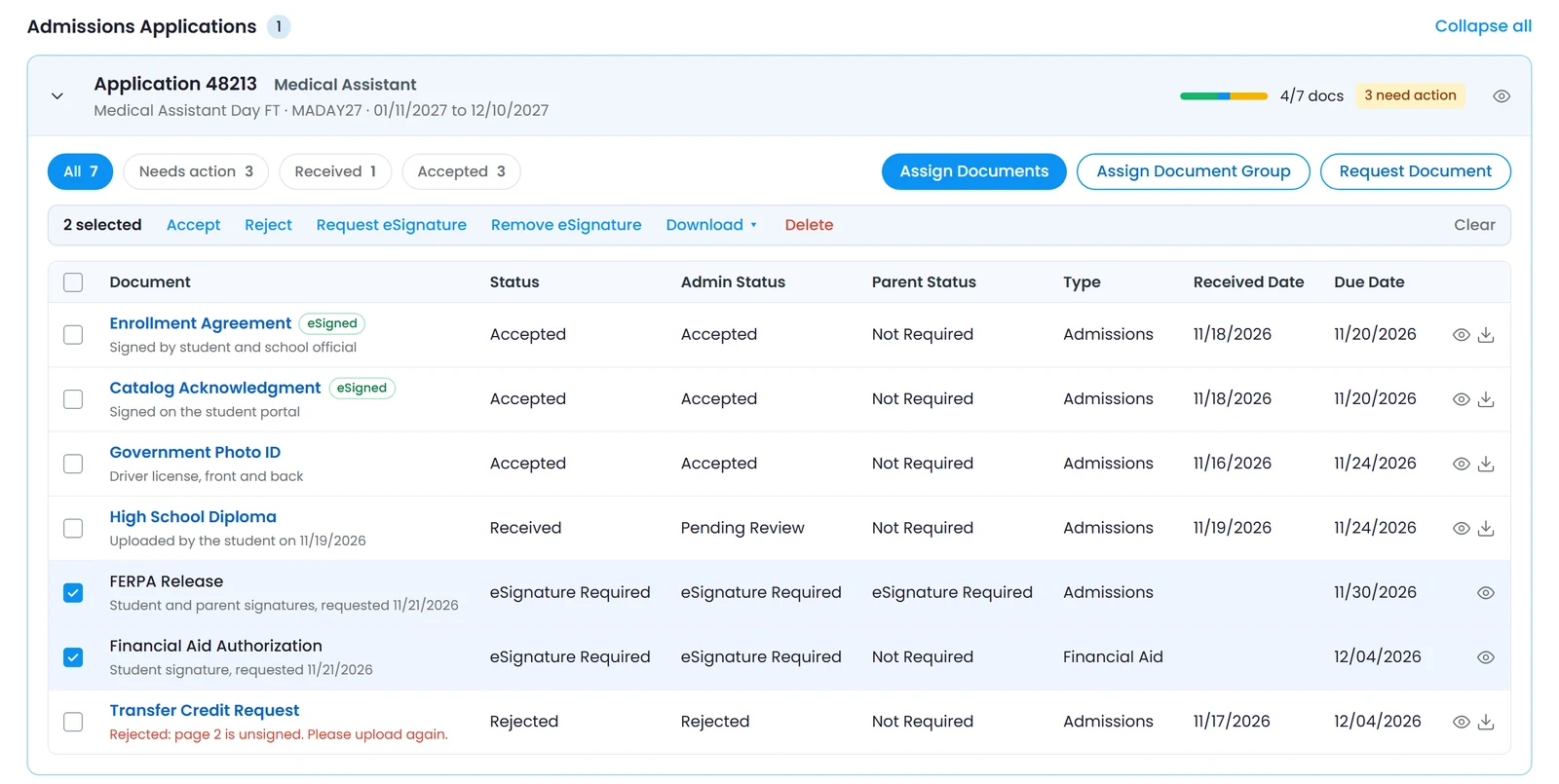
Every appointment on one calendar.
Tours, interviews, aid reviews and follow-up tasks on one calendar by staff member, each kept on the lead's or student's record.
- Appointments and tasks on one calendar
- Reminders by text and email
- Appointments on the student record
How a student moves through CTeck Connected Campus
The same record the whole way. Each office adds its part, and nothing is imported between steps.
Inquiry
A lead arrives from your website, a vendor or a walk-in and goes to an admissions rep in Engage.
Application
The applicant applies online in Enroll, uploads documents and signs the enrollment agreement.
Enrollment
The student moves into Campus: classes scheduled, attendance taken, grades and payments recorded.
Through graduation
Texts, emails and appointments in Connect and Schedule keep the student and your staff in touch.
AI agents that work inside CTeck Connected Campus
They run on OpenAI's models and work from your records and your rules. Anything they prepare for a student or lead waits for a person to approve it, until you decide otherwise.
- Every inbound text sortedReplies are read as they arrive and the urgent ones are flagged for a rep.
- Insights for admissions leadersWhere follow-up is slipping and which reps need help, written in plain words.
- Every step on recordWhat it did, why, and who approved it, kept on the student's or lead's record.
Keep the systems you already run
Our engineers connect CTeck Connected Campus to your SIS, lead CRM, learning platform and financial aid systems, and bring your records across when you switch.
- Connected for clients: Banner, Anthology, CampusIvy, Canvas, Velocify, Dynamics 365 and more
- Two-way: new students go into the SIS, their status comes back to the CRM
- Portals for students to see their classes, grades and documents
- FERPA-aware access controls by role, and an activity history on every record
Implement in manageable phases
Start with the capabilities you need. vbIntegrate supports scoped data exchange with the systems you keep.
1Assess
Review your existing systems and data.
2Prioritize
Choose a starting point that addresses your most pressing challenge.
3Configure and test
Set up the selected applications and agreed connections.
4Train and expand
Prepare staff, then add capabilities based on institutional needs.
Frequently asked questions
Something else on your mind? Ask us directly.
Is this a mandatory bundle?
No. Individual products can be evaluated separately, subject to their dependencies.
Can we integrate third-party systems?
We assess available interfaces and agree the integration scope before implementation.
What deployment options are available?
We review hosting, security, institutional requirements and product-specific deployment options during discovery.